 ISP
Customers, in context
Keep contact details, packages, locations, assignments and billing history connected to the same customer record.
A shared place for customer details, money movements and the work your team needs to do next.
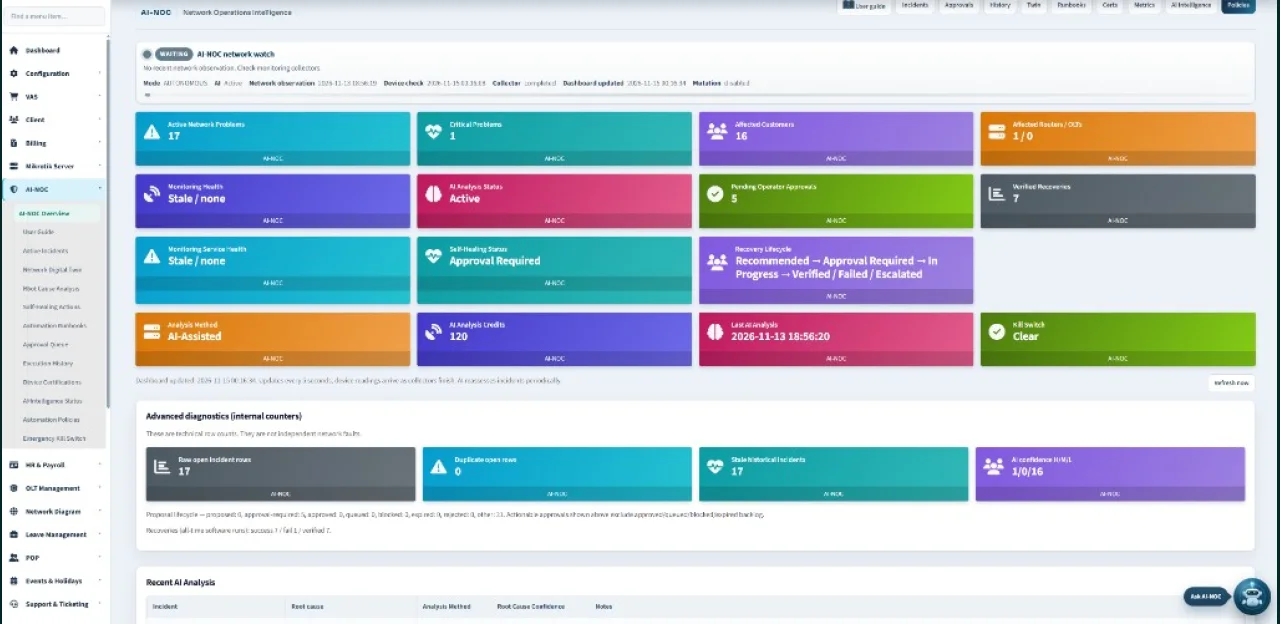
From customer context to collections and network records, keep the next action visible.
Keep contact details, packages, locations, assignments and billing history connected to the same customer record.
Issue invoices, record receipts, track due balances and allocate advance payments with history retained.
Bring MikroTik account imports, saved connection records, router checks and backups into your team’s workflow.
AI-NOC watches network health and proposes recovery. Copilot Chat answers from live workspace data. Operators confirm meaningful actions.
Review collections, accounting movements and customer activity with filters and permission-controlled exports.
Give staff the views and actions they need. Keep workspace administration and review decisions in the right hands.
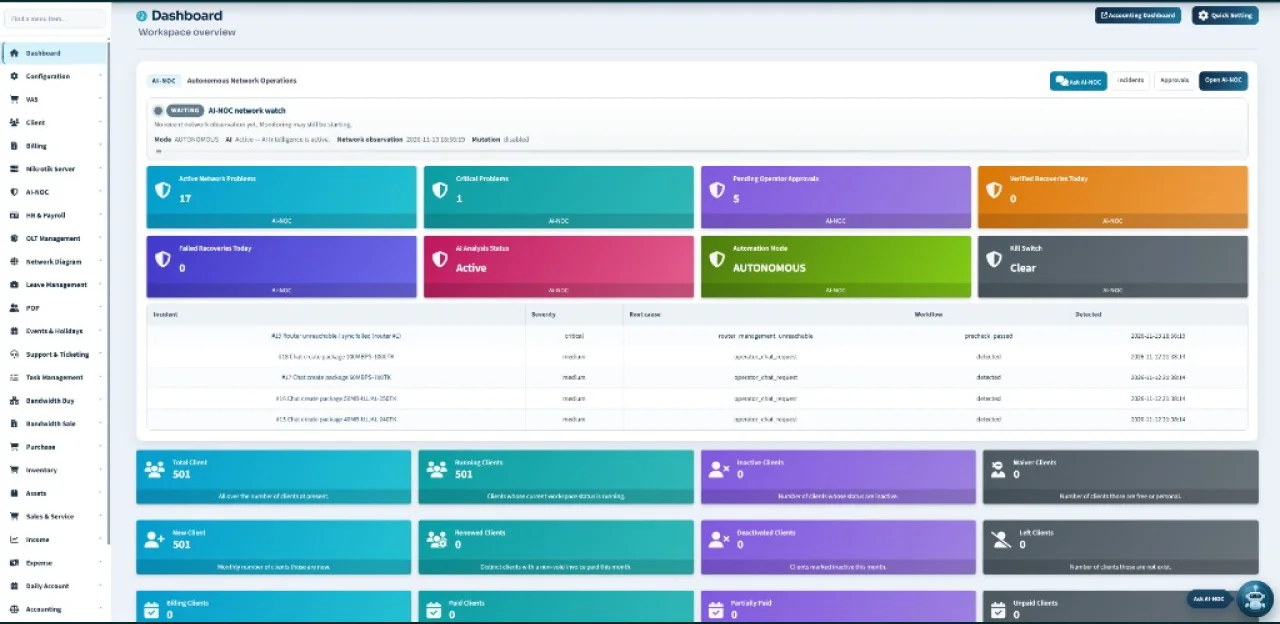
Routers, payment providers and messaging services need their own supported accounts and connection settings. We review availability and scope with you during onboarding.
Please send requirements, not passwords or private keys.
Discuss your setup →Packages, locations, assignments and history on one record.
Invoices, receipts, dues and advance allocation with a clear trail.
Imports, connection records, router checks and POP workflows.
Tell us your country, customer count and the workflows that need attention. We’ll scope a setup review that fits the way your team already works.
Online · usually replies in a moment
Happy to help with pricing, Copilot, or getting you a quote.
Human sales chat for ISP owners — don’t share passwords, OTP, or customer lists.